In brief
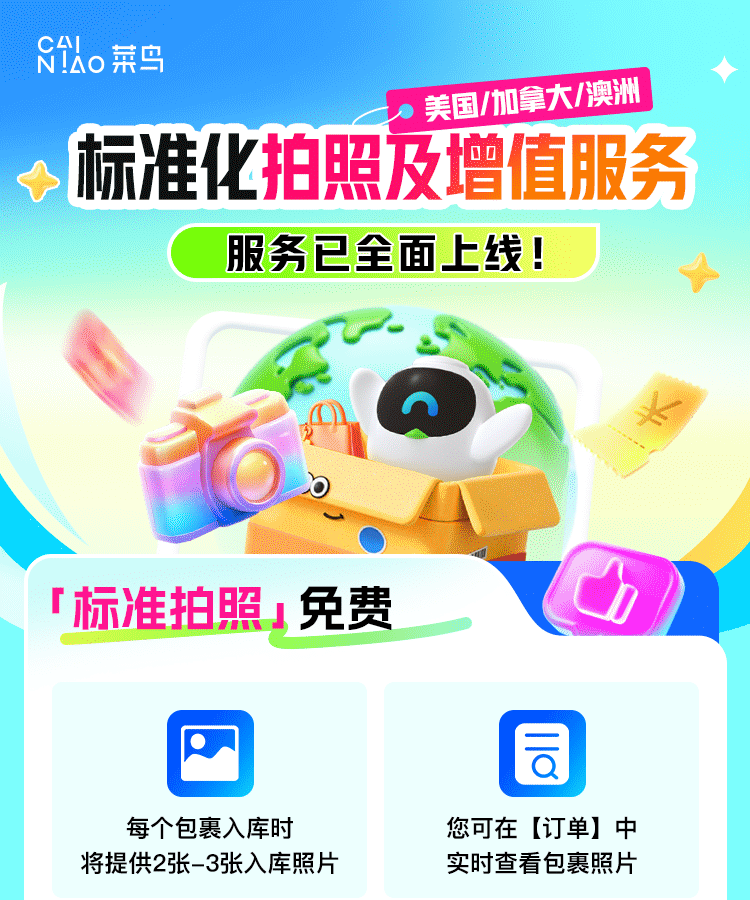
Cainiao has introduced standardized parcel photos and optional value-added services for the United States, Canada and Australia. Canadian users can use them to review parcel appearance, quantity and basic condition before consolidation and international-shipping payment.
What the free standard photos include
The official information says each parcel receives two or three warehouse photos, available under Orders in the Cainiao App. Normally this means one outer-package photo and one front or group photo of the goods.
For transparent packaging with multiple items that are not fully visible, the warehouse may add a reverse-side photo. Items without protective packaging that could pick up fingerprints or marks may not be turned over.
Photos are taken on an approximately 70 × 50 cm work surface. Large quantities may be sampled, stacked or photographed in the open carton, so the free photos are a first check rather than a complete inspection of every detail.
What the four optional services are for
Choose according to the question the free photos cannot answer. More photos are not automatically better; identify whether you need quantity, angles, power-on status or a full-content view.
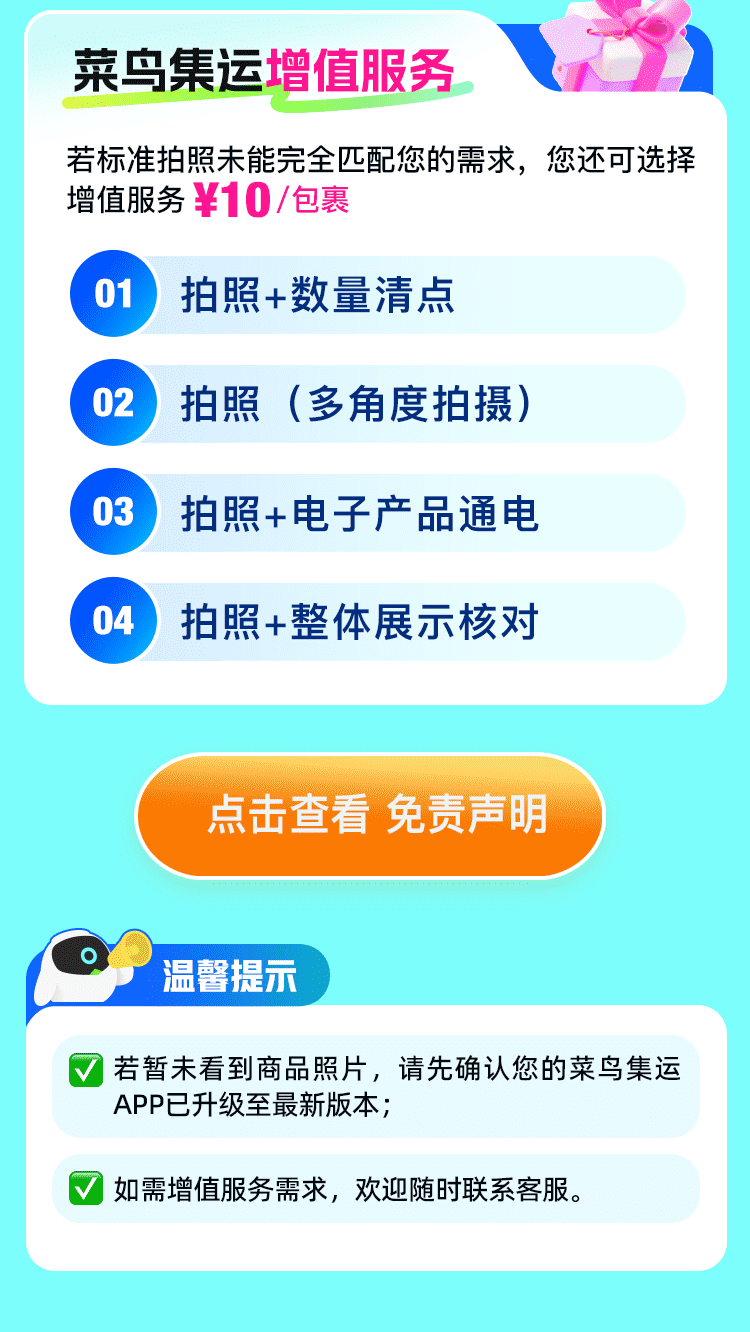
- Photos plus quantity count: multiple identical items, sets or possible shortages
- Multiple-angle photos: sides, back, ports, corners or packaging
- Photos plus electronics power-on: whether a device starts, lights up or reaches its lock screen
- Photos plus full-content display: several items shown together for an overall check
Confirm the displayed charge before submitting
The main activity page labels value-added services at ¥10 per parcel. A separate electronics power-on disclaimer lists ¥10 per use but says the trial-period VIP experience is free until formal charging is announced in the App.
Because the two notices do not state the charge in exactly the same way, rely on the price shown for your Canadian account immediately before submitting and ask current support if anything is unclear.
Power-on is not a functional test
The official disclaimer describes a basic power-on check documented by photos. It does not include functional testing, performance evaluation or quality certification, and a successful screen does not prove every feature works.
The disclaimer excludes compensation for failure or damage caused by the device’s own battery aging, internal short circuit, water damage or similar quality issue. The service does not read, store or transmit device data; when a password is required, the warehouse photographs only the lock screen.
Lithium-battery devices must still meet packaging, storage and transport rules. A successful power-on does not make an item eligible for every international route.
- Whether the device can start or light up
- Whether a startup or lock screen appears
- A photo record of appearance and power status at that time
Match the service to your question
An optional check may not be worthwhile for a low-value item. It can be more useful when the item is expensive, the return window is short, or a problem would be difficult to resolve after delivery to Canada.
| What you need to confirm | Best-matched service |
|---|---|
| Quantity of several identical items | Photos + quantity count |
| Back, ports or corners | Multiple-angle photos |
| At least powers on or lights up | Photos + electronics power-on |
| All contents in a mixed carton | Photos + full-content display |
| Only outer appearance and front view | Start with free standard photos |
Where to view and request the service
After warehouse check-in, view the free photos first. Open the optional services for that order only if the standard photos do not answer a specific question.
- Update the Cainiao App.
- After check-in, open Orders and review the free photos.
- If needed, review the optional services offered for the parcel.
- Before submitting, confirm the service, price, eligible parcel and route restrictions.
- If the option is missing or unclear, contact the support channel shown in the App.
Check the consolidation order again
Photos address warehouse verification; they do not replace restricted-item checks, route eligibility or shipping protection. Before consolidation, review quantity, packaging, chargeable weight, route limits and reference delivery time.
This guide is based on the official activity page and the August 2026 electronics power-on disclaimer. Features, charges, trial benefits and eligibility may change, so use the current App page and support response.
After reviewing the order, check the promo-code field
Canada promo code CANADA
If international-shipping checkout shows a Promo Code field, enter CANADA and verify the applied discount and final amount before paying.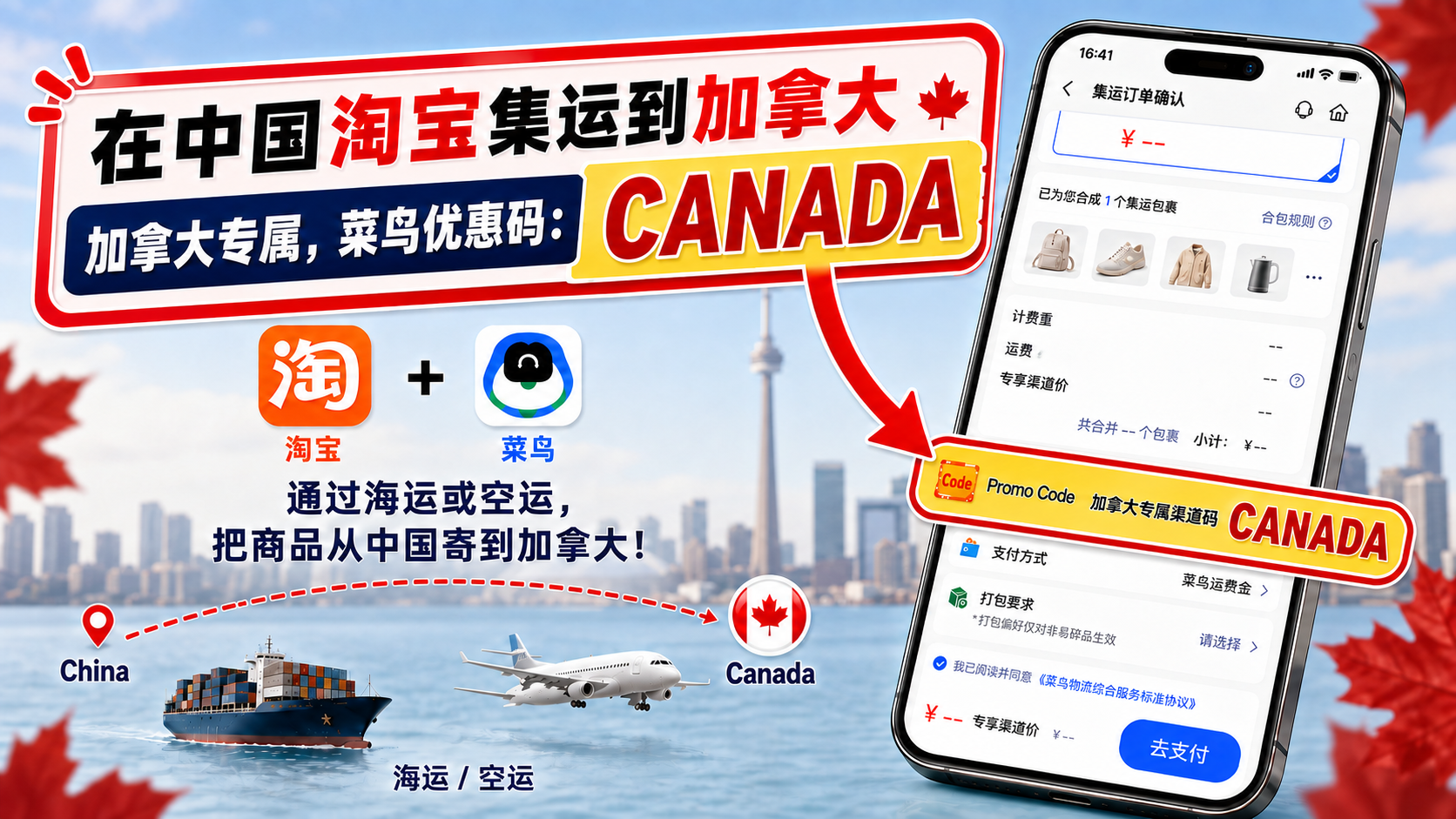
Independent guide. Recheck current rates, routes, estimates and item restrictions on the live order page before payment.