In brief
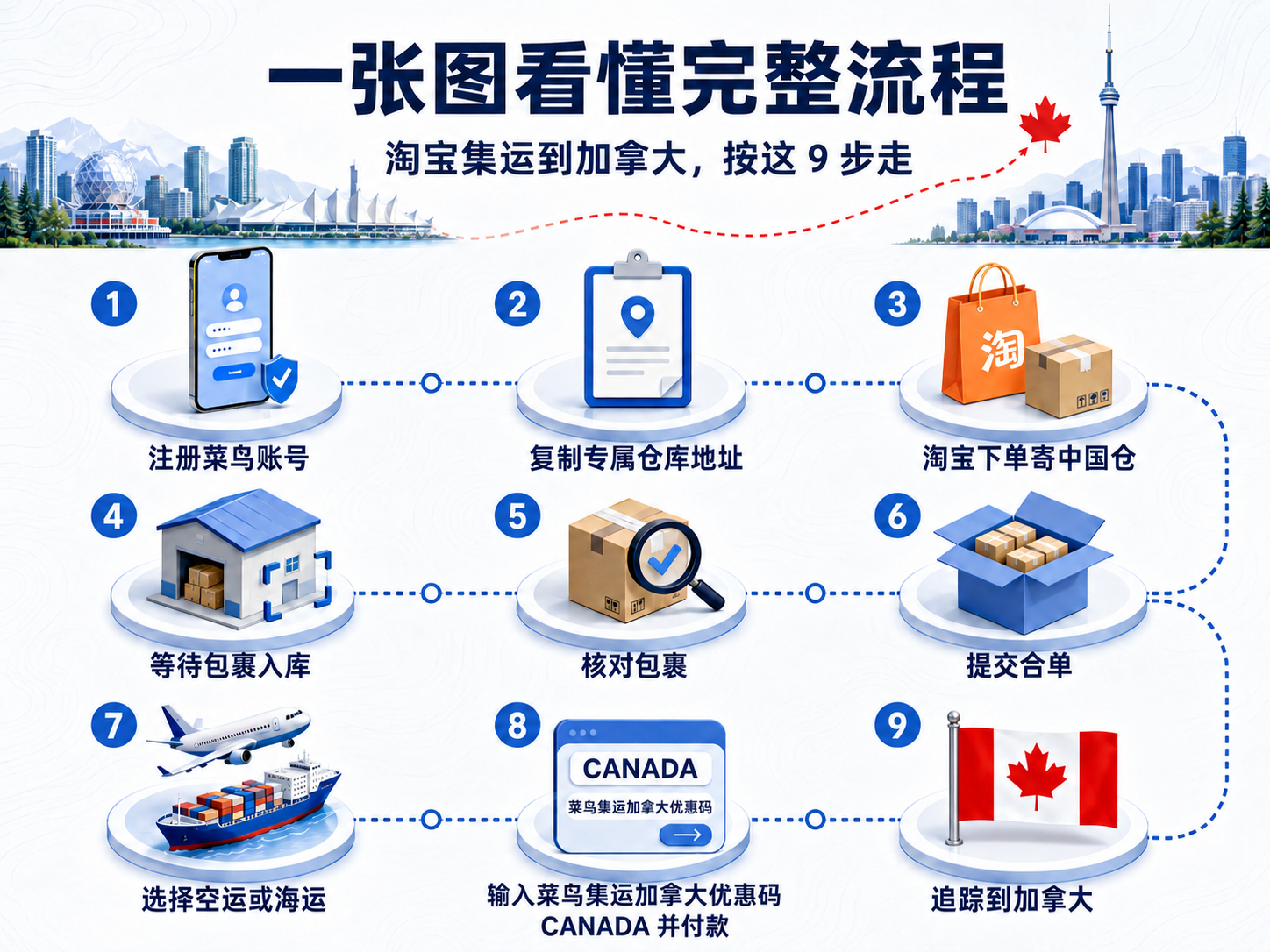
To ship Taobao purchases to Canada, first set your Cainiao country to Canada and copy the China warehouse address assigned to your account. Sellers deliver there first. After the parcels arrive, review them, consolidate, select an available air or sea route, enter CANADA if the checkout shows a promo-code field, and confirm the applied discount before paying.
Step 1: Select Canada and create an account
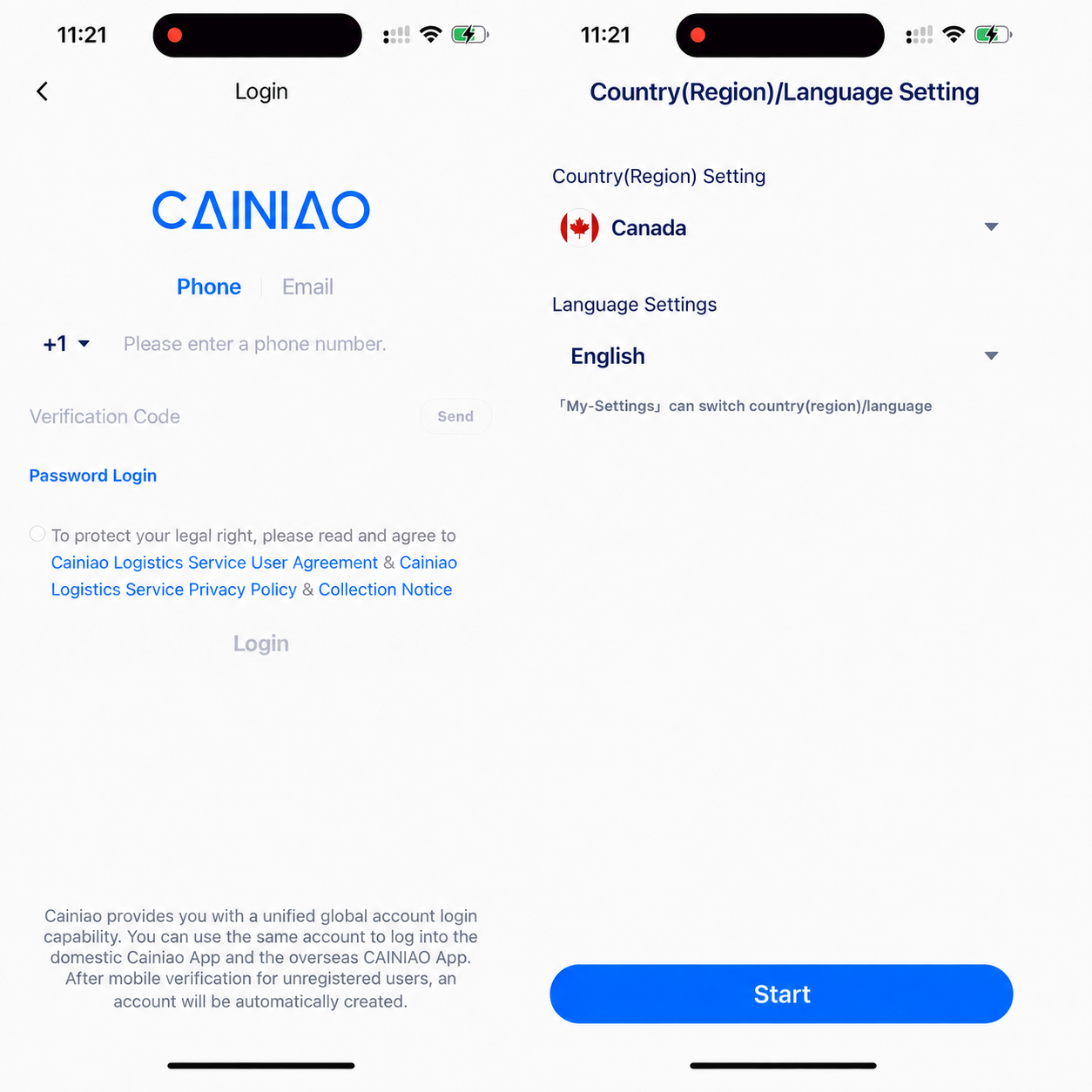
Open the Cainiao App or the Cainiao consolidation WeChat mini program. Before signing in, open Country (Region) / Language Setting, select Canada and confirm the +1 calling code. Labels may vary by version and sign-in status.
Use a Canadian number that can receive verification codes, or another sign-in method currently offered. Read the displayed service agreement and privacy policy before submitting.
Step 2: Keep the two addresses separate
Your final Canadian address belongs in Cainiao address management and should include the recipient, Canadian phone number, province or territory, city, street, unit and matching postal code.
The China warehouse address comes from your Cainiao account and is used as the delivery address on Taobao, Tmall or another Chinese store. The two addresses are not interchangeable.
- Taobao order: use the China warehouse address assigned to your account
- Cainiao consolidation order: use your final Canadian delivery address
- Never replace your live account address with an address copied from a tutorial

Step 3: Copy your personal China warehouse address
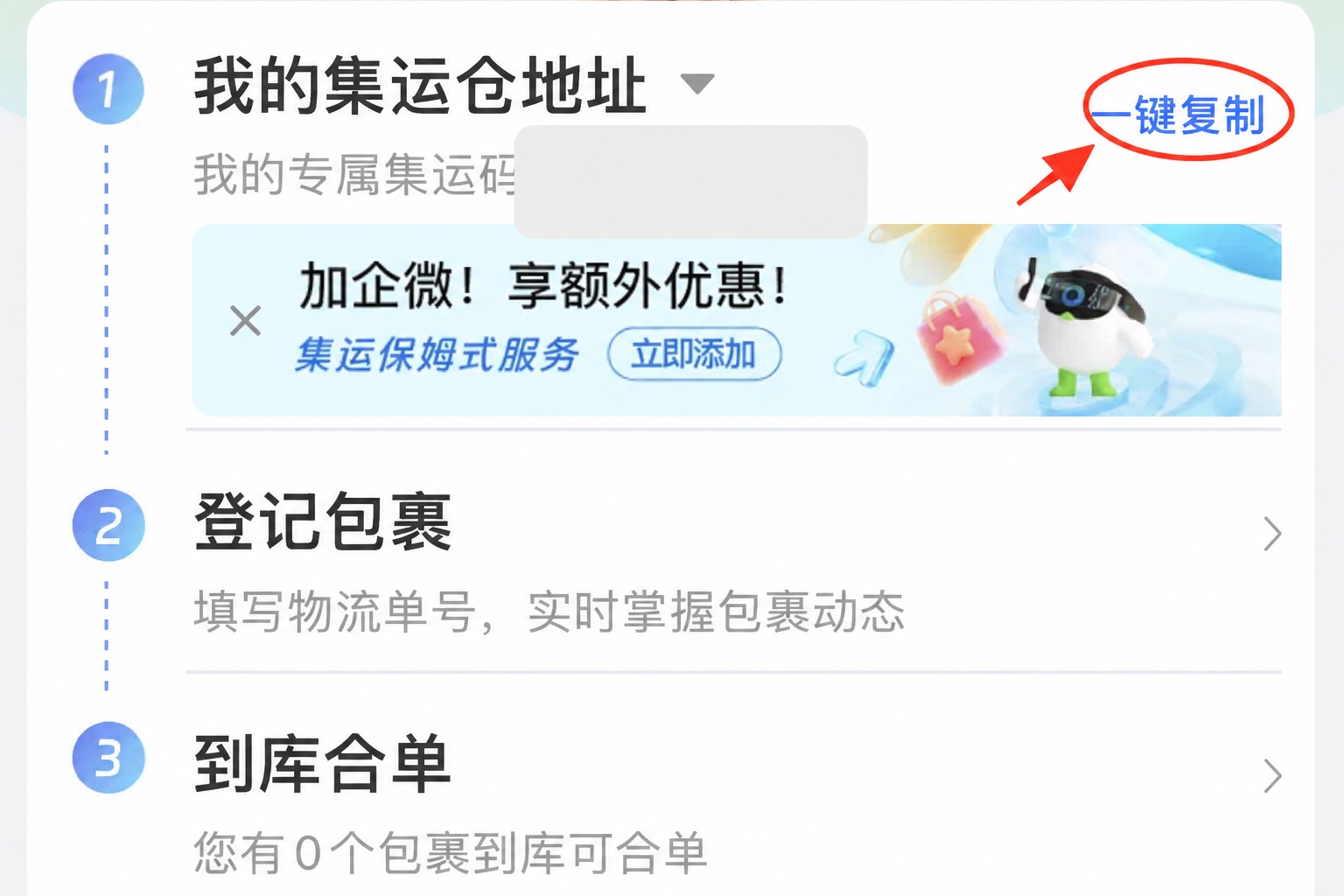
On the Canada home page, find My Consolidation Warehouse Address and use the copy control. The copied details include the recipient, phone number, region, street address and account identifier.
Use the complete address currently shown in your own account. Missing or borrowed account identifiers can delay automatic parcel matching and warehouse check-in.
Step 4: Order on Taobao and ship to the warehouse
Add the copied China warehouse address to Taobao. Select it for every item you want to consolidate, so each seller ships domestically to Cainiao rather than directly to Canada.
You may order from several stores. Keep the Taobao order number and the domestic tracking number for each parcel, and check item restrictions before buying.
- Use Cainiao’s current restricted-item check before ordering
- Do not assume batteries, liquids, powders, food, medicine, plants or wood products are eligible
- Keep every Taobao order number and domestic tracking number

Step 5: Wait for warehouse check-in and review the parcel
Track domestic delivery in Taobao first. A Taobao delivery scan does not mean Cainiao has completed warehouse check-in; the parcel appears after warehouse receiving and scanning.
When it appears, review quantity, item name, actual weight, dimensions and any photos. Keep order and tracking records if something is missing, damaged or delayed.

Step 6: Consolidate after the selected parcels arrive
Select the parcels you want to ship together on the warehouse consolidation page. Cainiao may repack, reinforce and reweigh them according to the service currently offered.
Consolidation does not guarantee a lower charge. The final total depends on actual or volumetric weight, route rounding and possible surcharges. Keep necessary protection for fragile items.
- Remove outer courier packaging only when the item remains protected
- Removing retail packaging can save space but may not suit items that need the original box
- Prioritize protection or reinforcement for fragile, crushable or irregular items

Step 7: Choose a Canada route and complete the declaration
Compare the air and sea routes actually offered for the order. Review chargeable weight, initial and additional weight, rounding, general or sensitive classification, reference time, size limit and last-mile method.
Declare the item name, quantity and value accurately. Check large-item, remote-area, irregular-item, split-parcel and value-added-service fees before payment. Use the live order page as the final source.

Step 8: Try CANADA at checkout
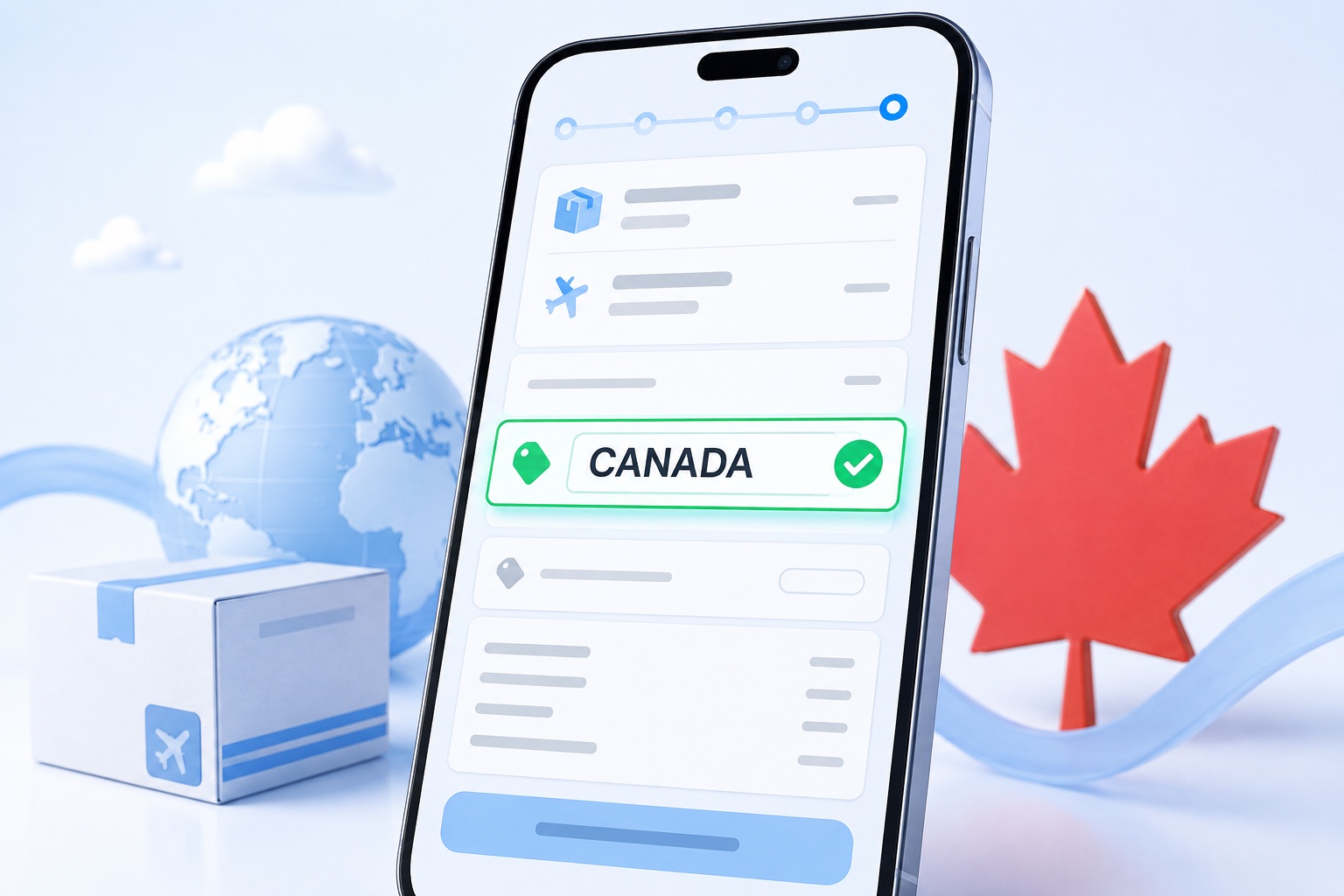
After consolidation, route selection and declaration, open international-shipping checkout. If a Promo Code field appears, enter CANADA.
Confirm that the page shows the code as applied and that the amount due changes before paying. Whether a new-user coupon, another coupon or a promo code can be combined depends on the current checkout rules.
Step 9: Pay and track the shipment to Canada
Before paying, verify the Canadian address, selected parcels, route, chargeable weight, declaration, discount and final total. Save a screenshot and the international consolidation order number.
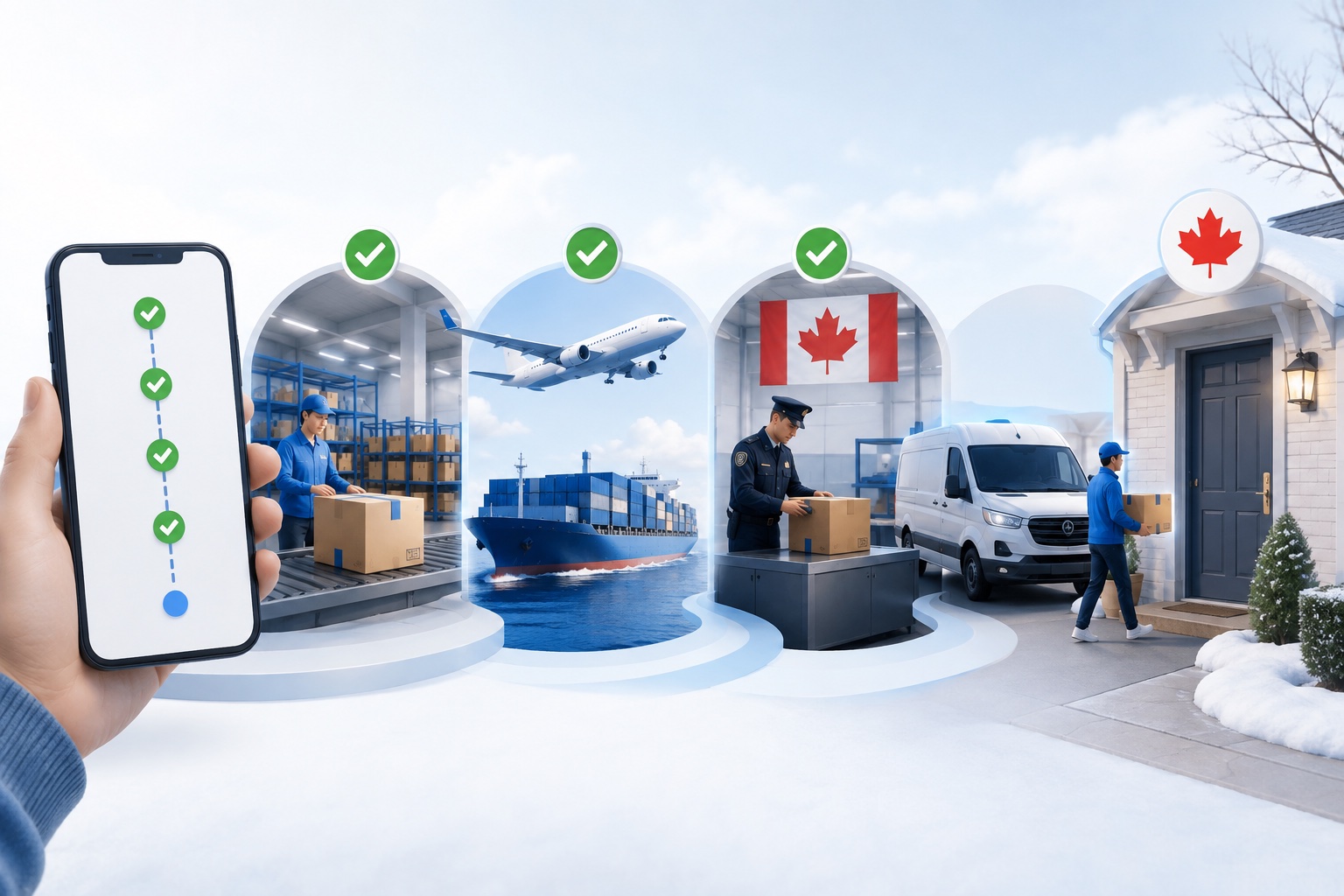
Then track warehouse processing, dispatch, international transit, Canadian customs and final delivery or pickup. Use any local-carrier tracking number shown for the last mile.
- Confirm Canada, +1 and the full Canadian address and postal code.
- Confirm Taobao uses the complete China warehouse address from your account.
- Confirm every parcel selected for consolidation is checked in and reviewed.
- Confirm classification, declaration, chargeable weight, route and extra fees.
- If checkout has a promo field, enter CANADA and verify the result.
- Save order, tracking and checkout details before payment.
One final check before your first Canada order
Use promo code CANADA
If checkout shows a promo-code field, enter CANADA and confirm the applied result before paying. Eligibility, savings, validity and stacking depend on the live checkout page.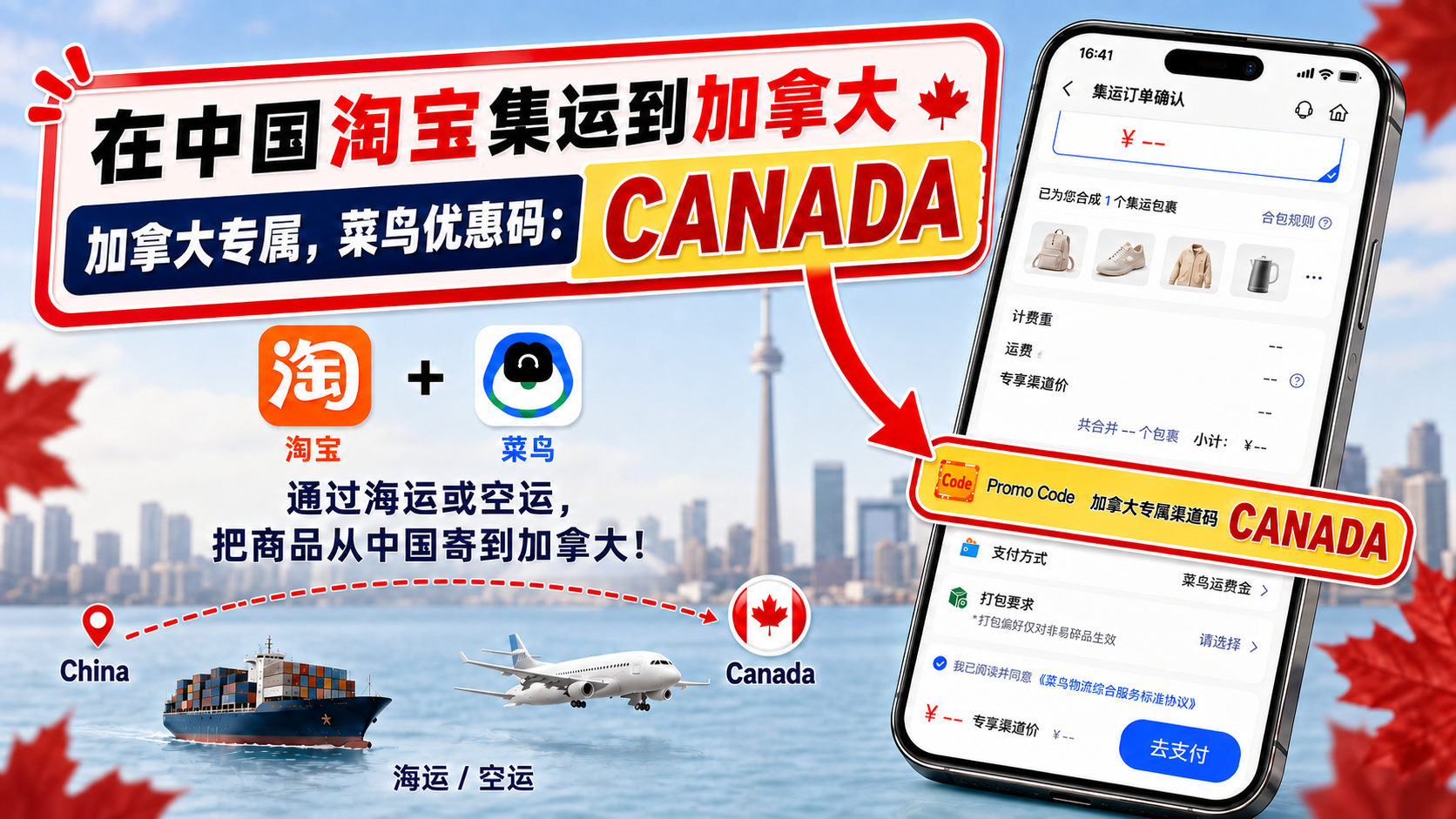
Independent guide. Recheck current rates, routes, estimates and item restrictions on the live order page before payment.